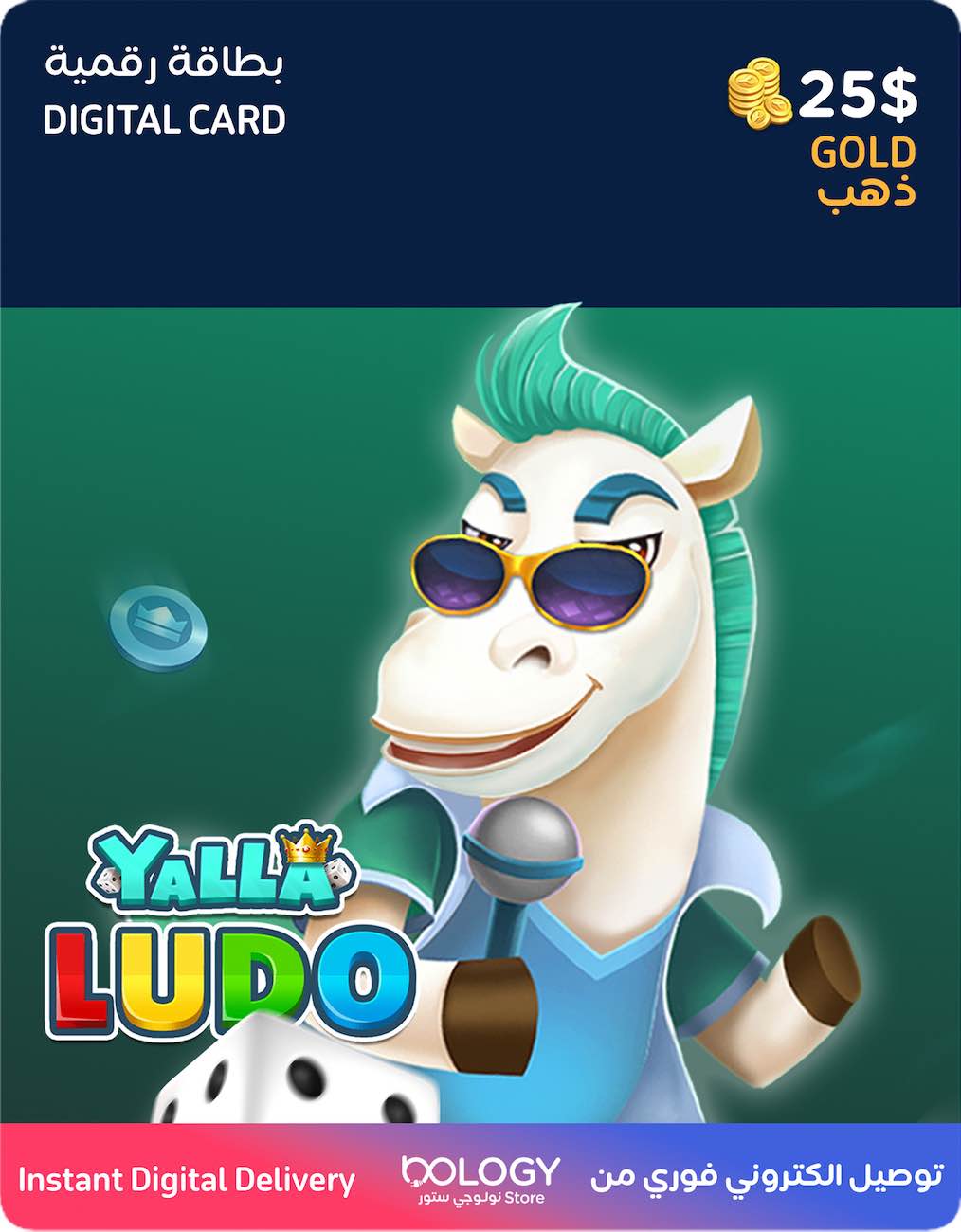
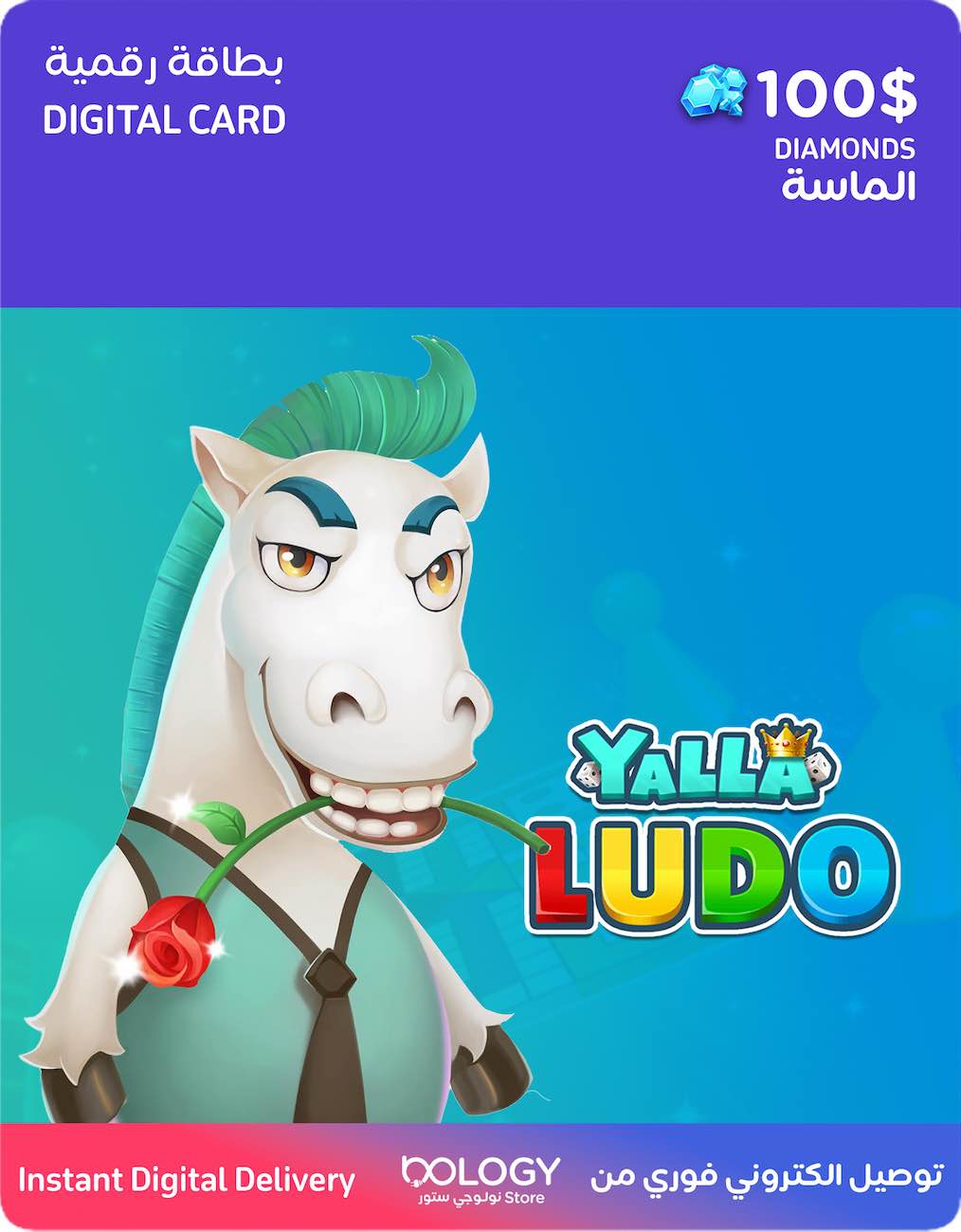
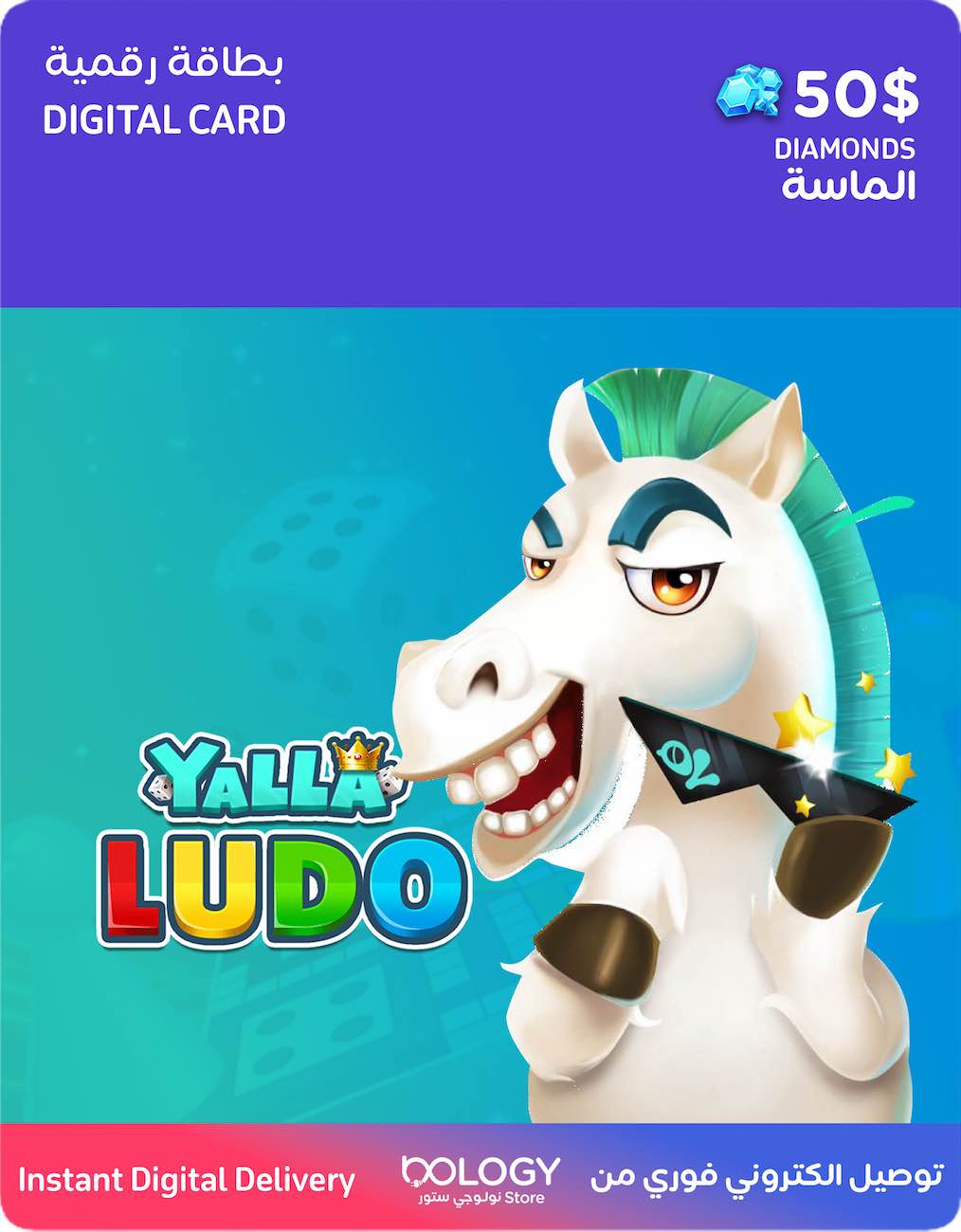
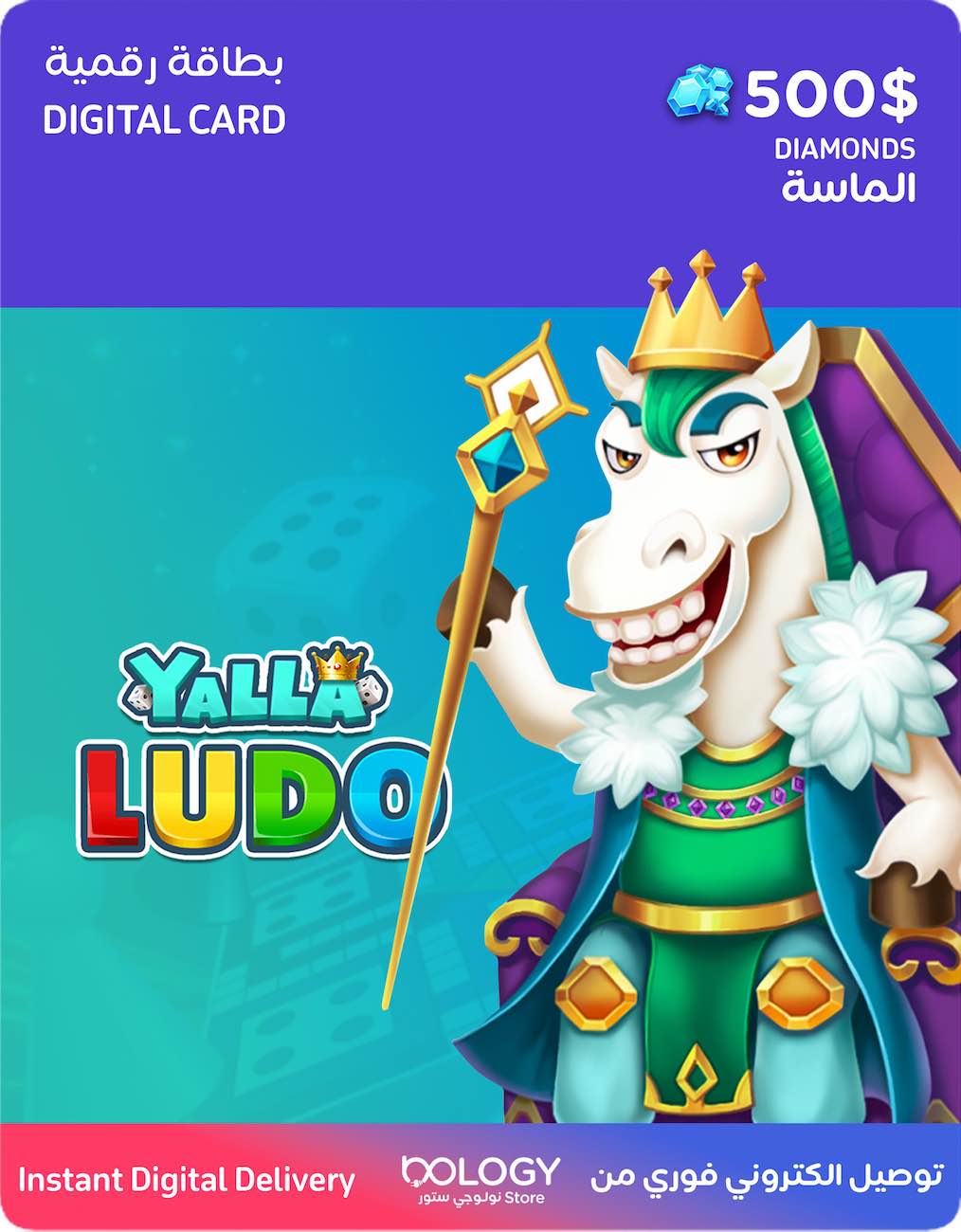
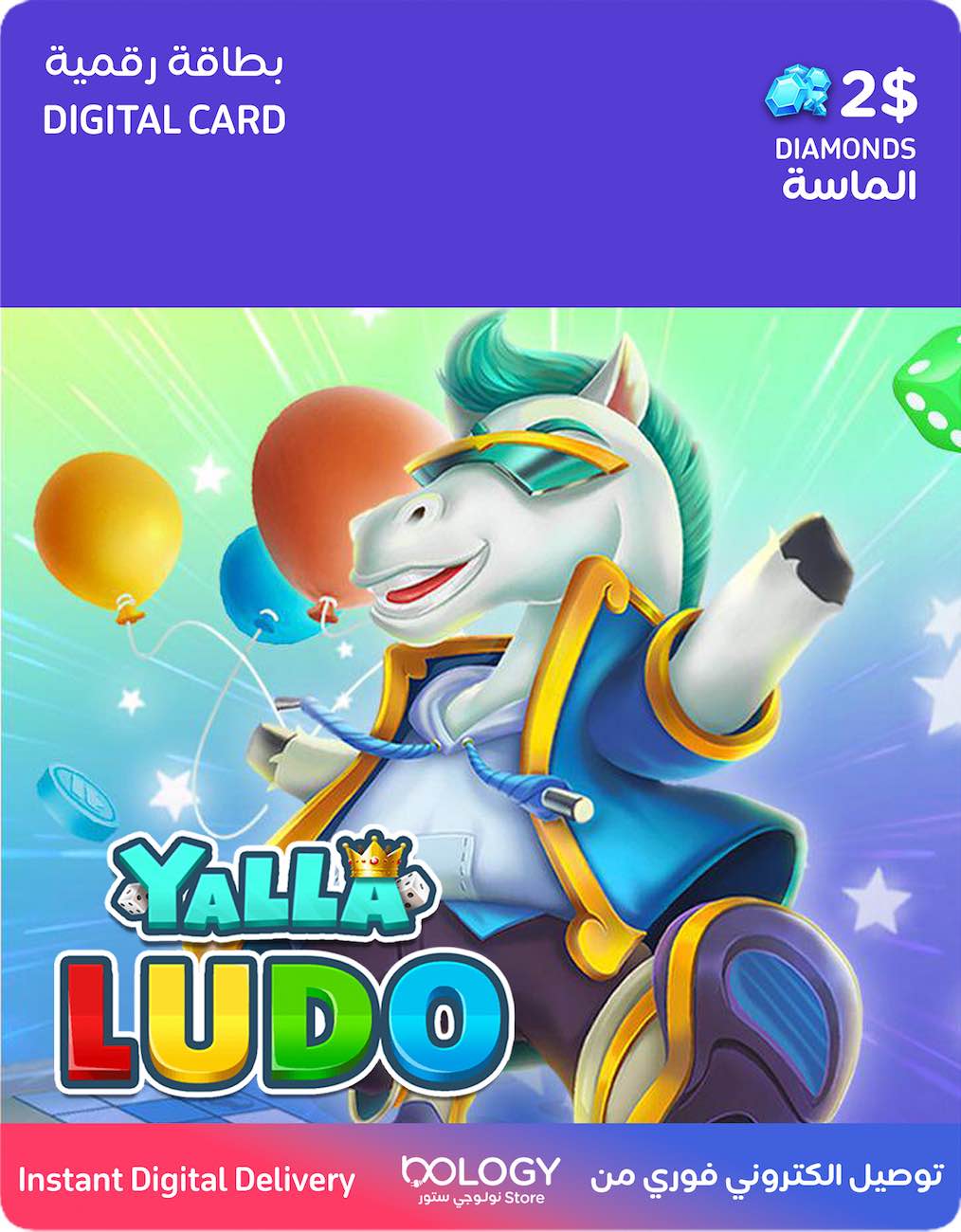
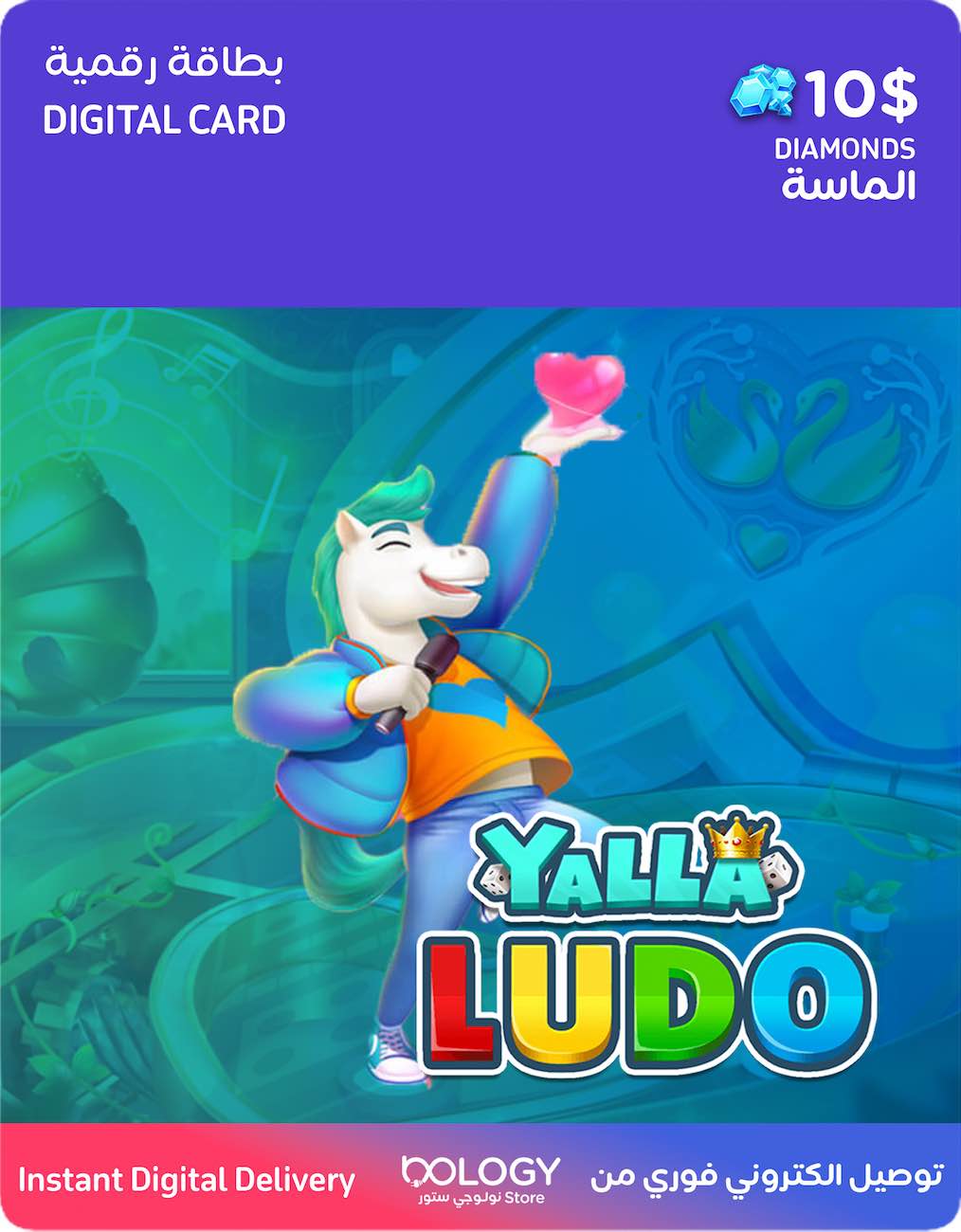
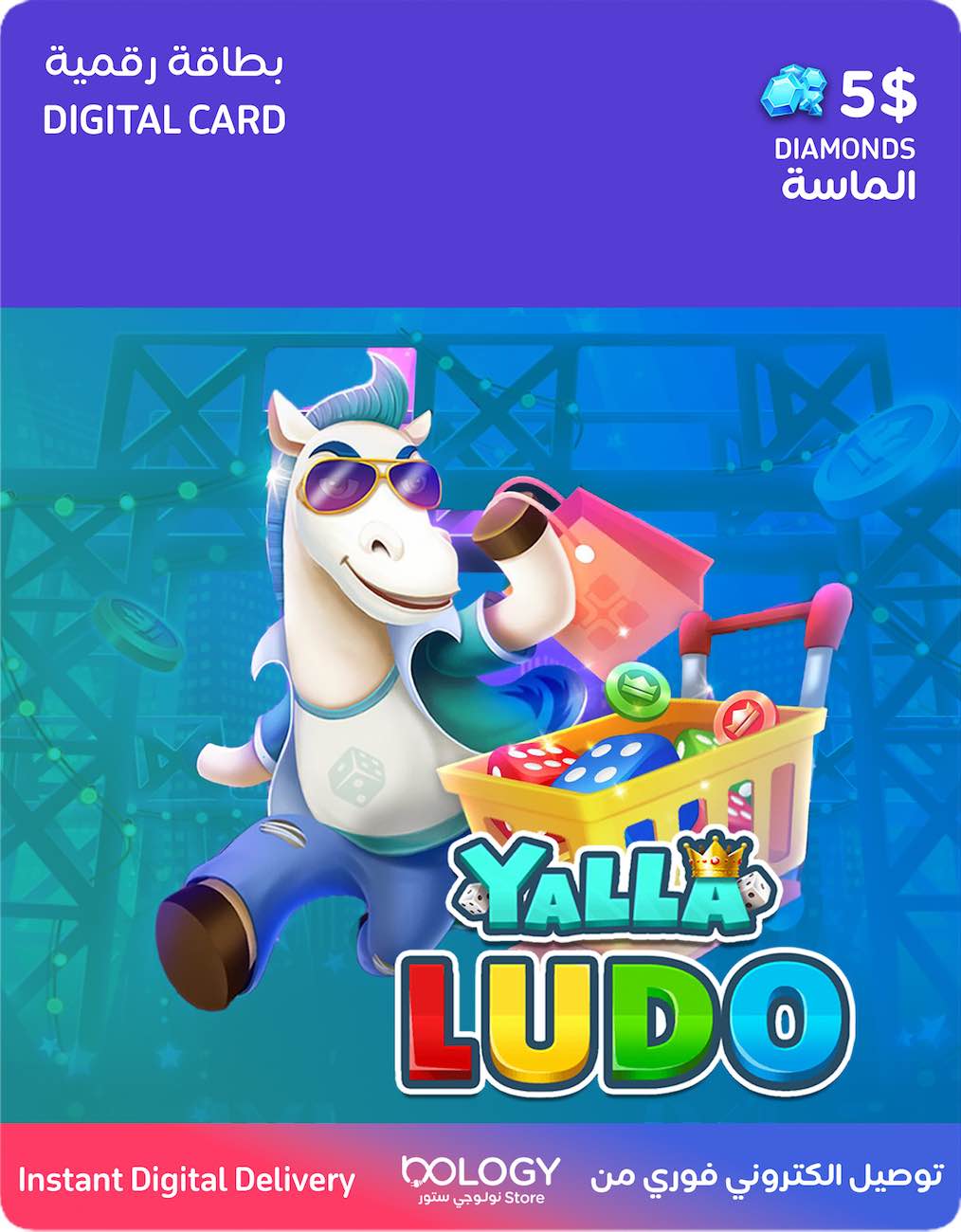
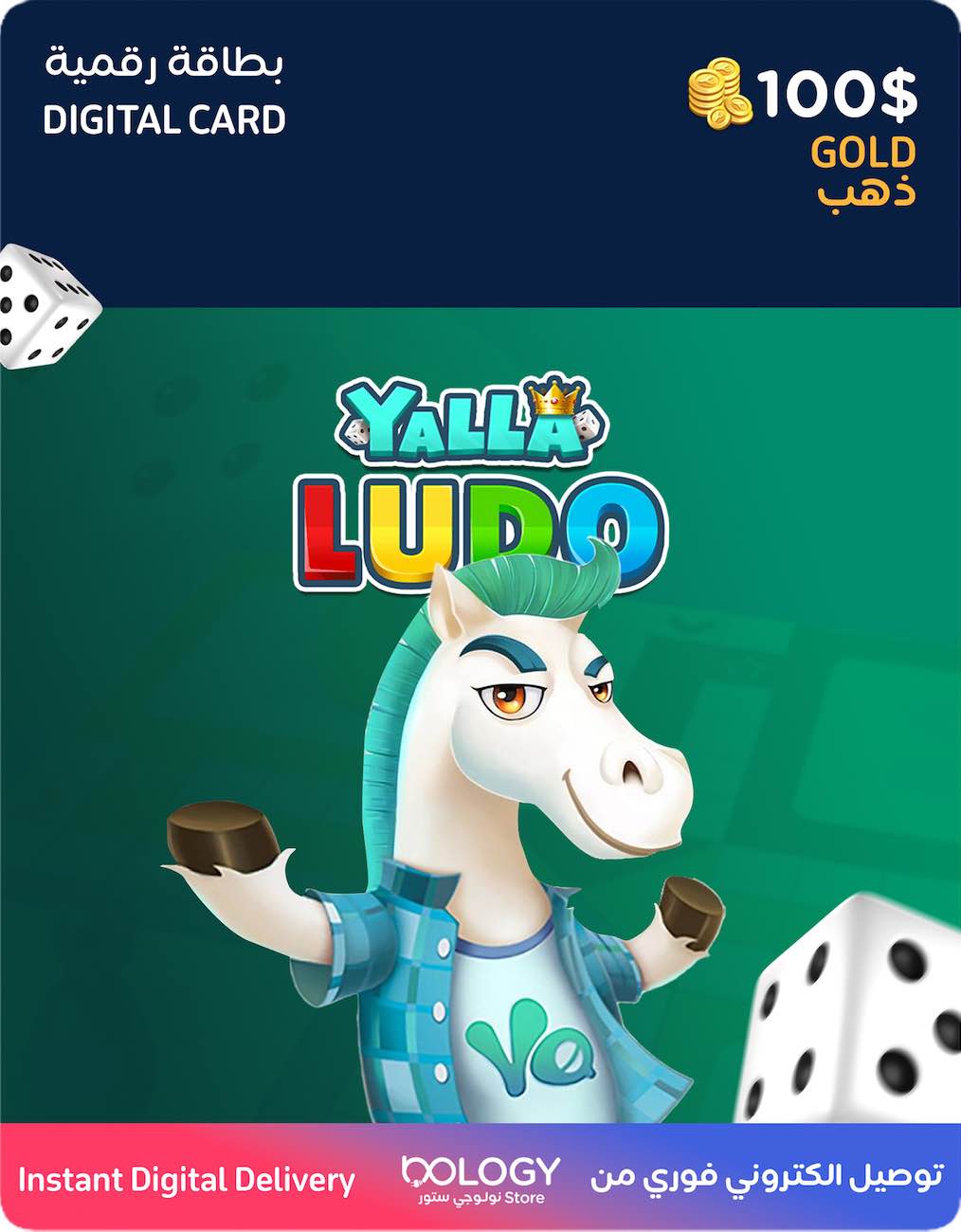
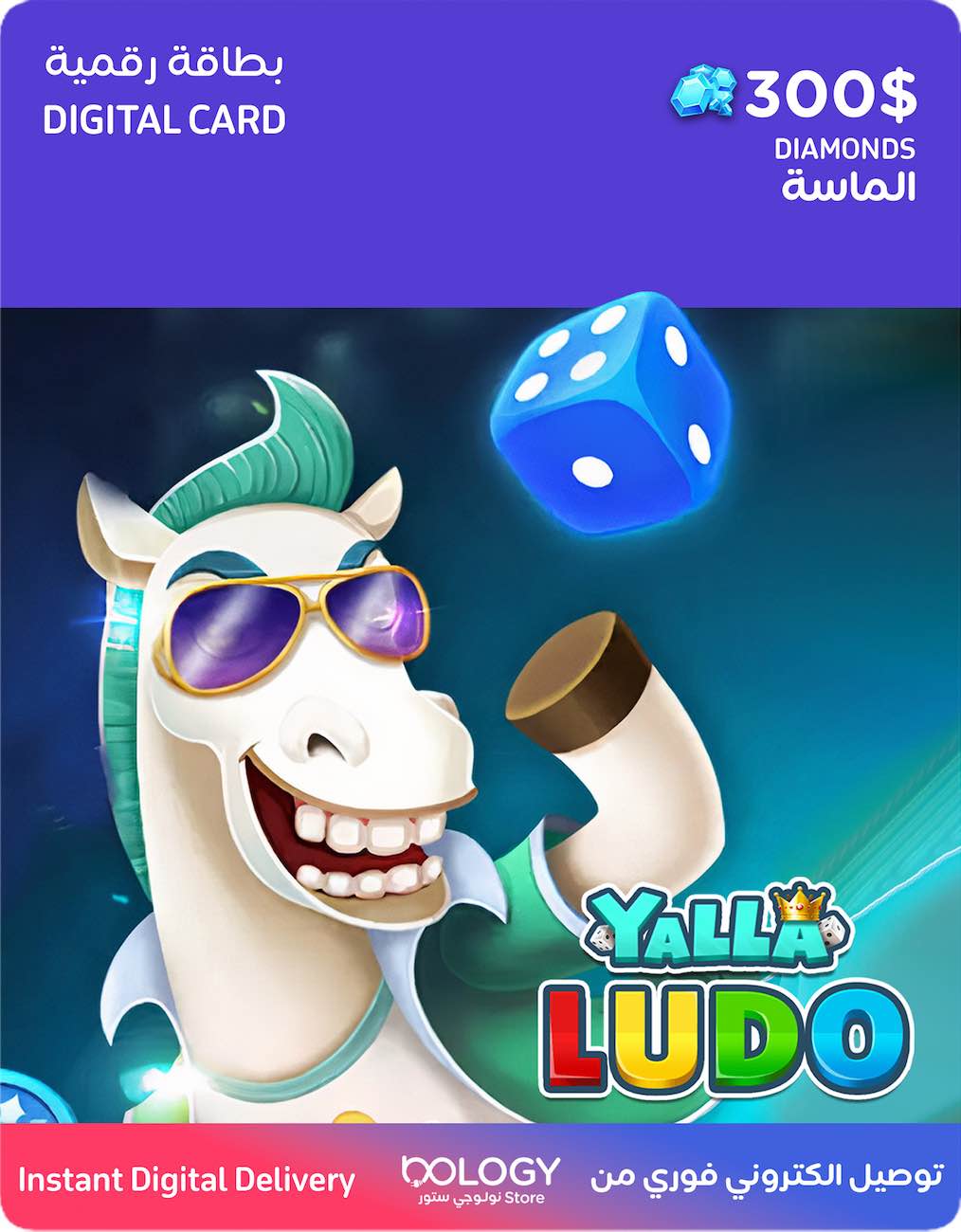
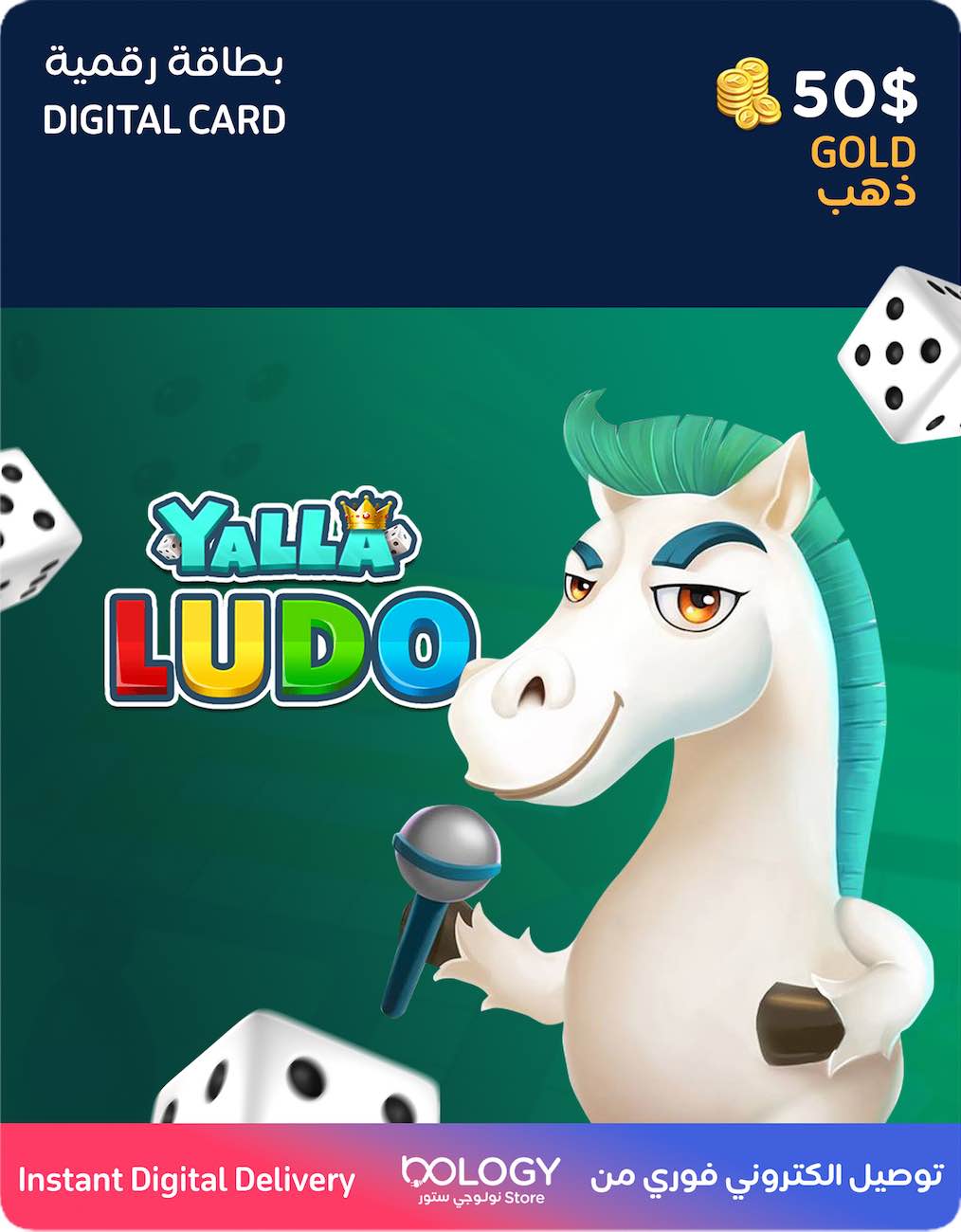
Yalla Ludo balance with instant delivery from Nology Store.
After purchase, the card will be delivered automatically and instantly via:
- WhatsApp
- Email
- Inside our app under the “My Orders” section in the side menu
Yalla Ludo is an advanced version of the famous Ludo game, with the addition of voice chat, making it easier to communicate while playing and meet new friends anytime and anywhere.
The game includes different modes such as Ludo and Domino.
You can pay using any of the following methods:
- Apple Pay
- Credit card (with the option to save it for future use)
- Debit card or ATM card
Simply put, your card will be delivered instantly after payment using any of the methods above.
How to redeem the code:
- First, copy the code you received from Nology.
- Go to the official recharge website: https://www.yallapay.live/recharge and select Yalla Ludo.
- Enter your Yalla Ludo account ID in the designated field at the top.
- Choose “Gift Cards” as the payment method.
- Select the recharge amount that matches the card you purchased.
- Enter the code you received and click Pay Now or Recharge Now.
That’s it! Congratulations 🎉
The card value (gold or diamonds) will be added to your account immediately and instantly.
Important notes:
- After placing your order, you will receive the code via WhatsApp and email.
- If you purchased the card but did not find it in your email inbox, please check your Junk or Spam folder.
- If you are using the Nology app, you will find the code in the “My Orders” section as explained above, so you may not need to check your email.
- If you need any help, inquiries, or technical support, feel free to contact us on WhatsApp:
50070019